01 / TAKE IT WITH YOUYour work shouldn’t
Your work shouldn’t
stay on your canvas.
Export SVGs for free. Keep your drawings scalable, save them to Files, and share them with your next project.
Free SVG export, built in.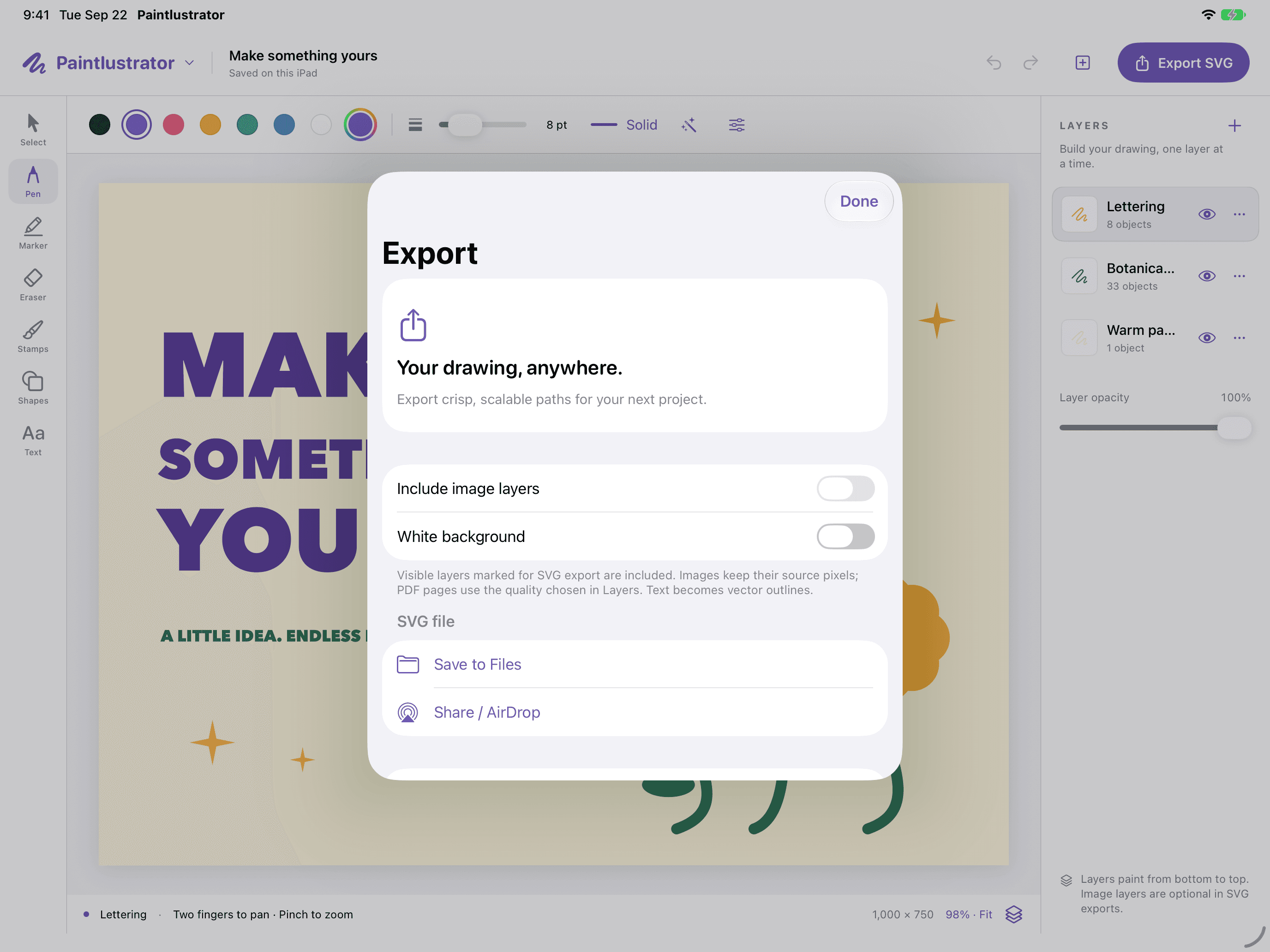
 Paintlustrator
A drawing space of your own
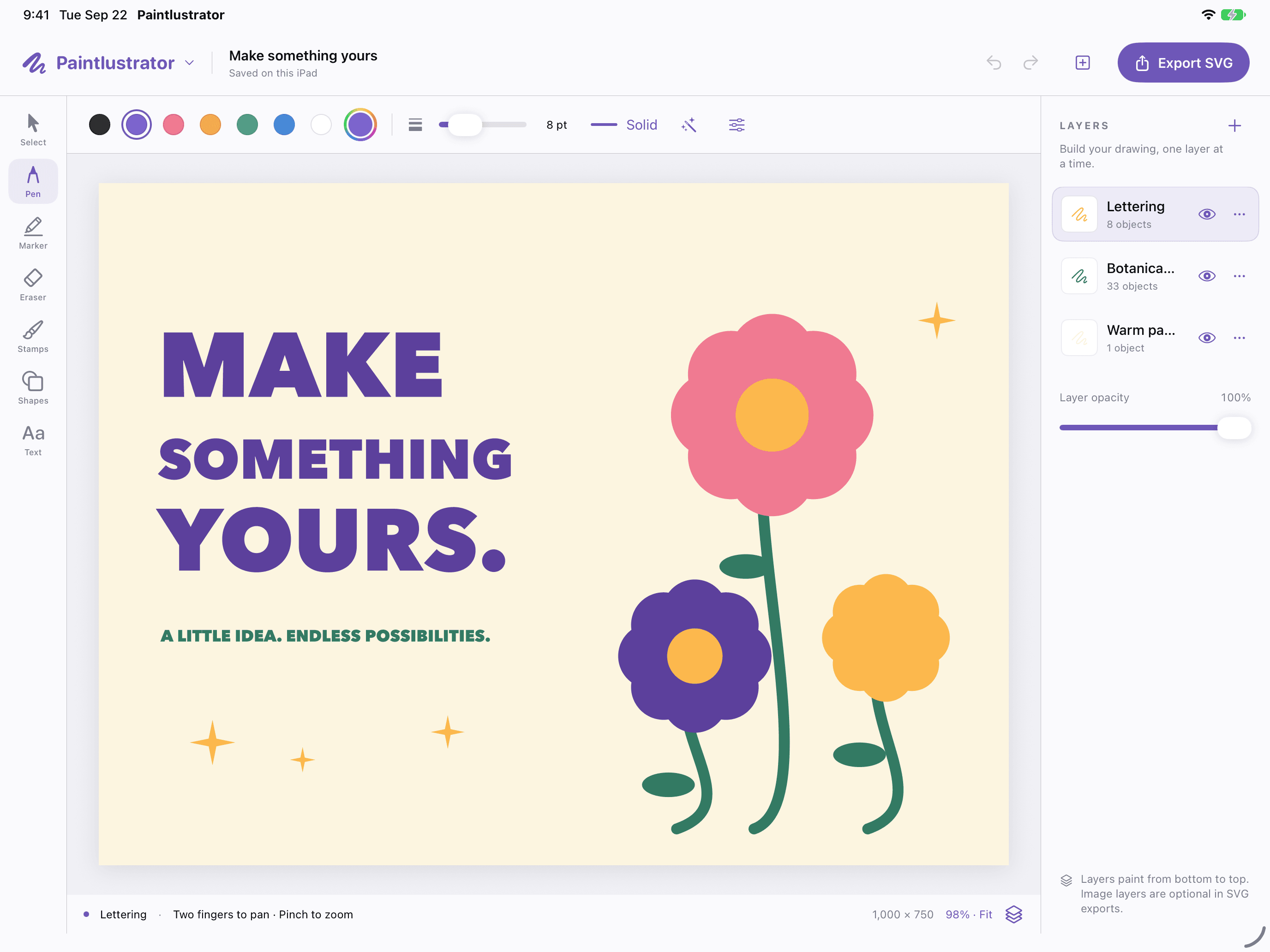
Draw on iPad. Bring in a PDF. Export your SVGs for free. A fresh canvas for wherever your imagination goes.
Less friction. More making.
A few thoughtful tools. A whole lot of possibilities. Keep your attention on the thing you came to make.
Export SVGs for free. Keep your drawings scalable, save them to Files, and share them with your next project.
Free SVG export, built in.Bring in a PDF page, choose the quality, and draw above it on separate layers. A reference, a rough idea, a starting point. Make it your own.
Import. Layer. Create.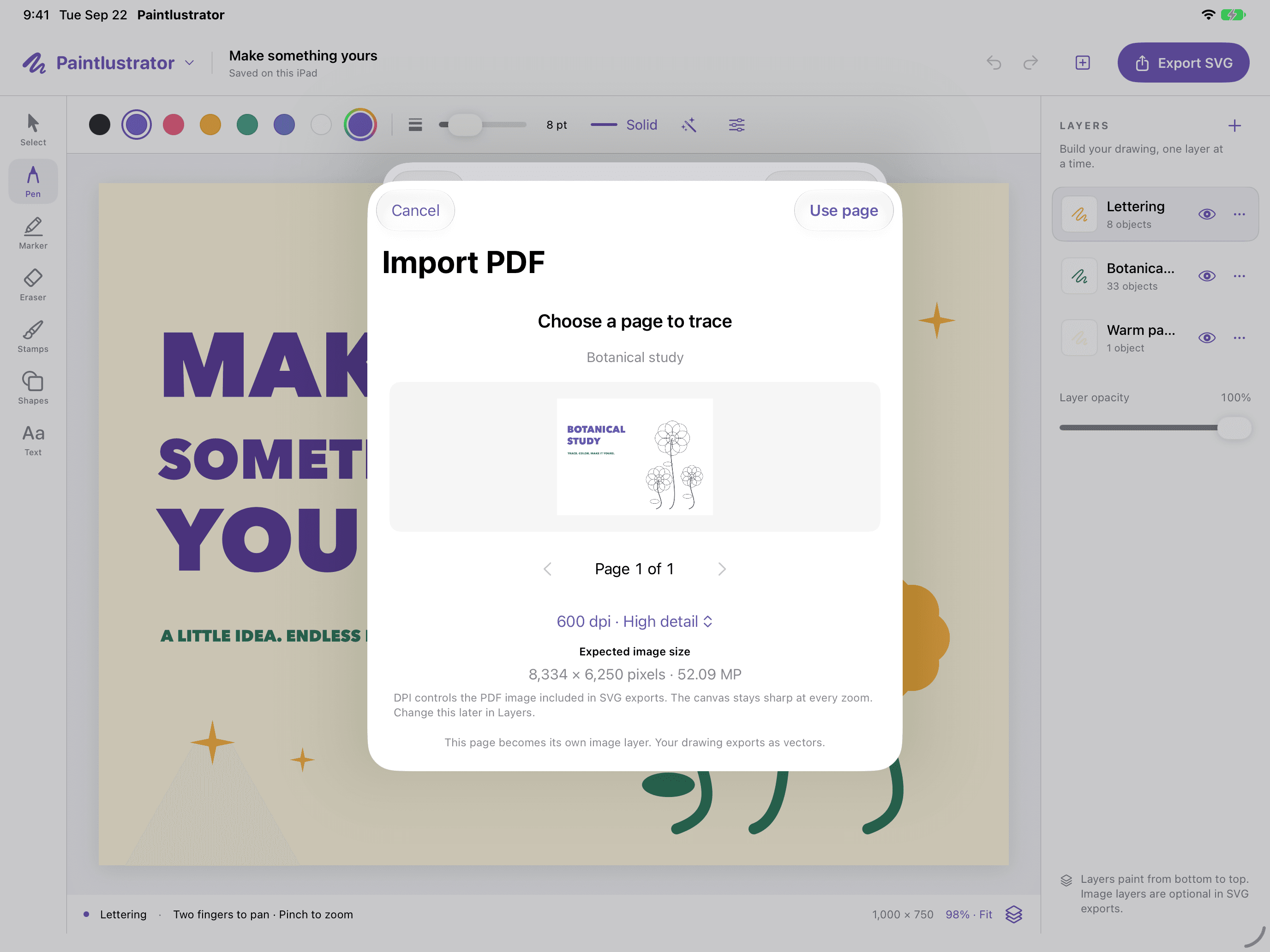
Sketch with Apple Pencil or touch. An idea doesn’t have to be perfect to be worth drawing.
Separate your ideas with layers. Undo, redo, and try that other direction.
Save your project on your iPad and return when inspiration does. No account required.
Good questions
Yes. SVG export is unrestricted in Paintlustrator. Save your artwork to Files or share it directly from your iPad.
Yes. Choose a PDF page and its import quality, then use it as a reference beneath your drawing layers. PDF import does not automatically convert the original page into editable vectors.
Yes. Draw with Apple Pencil or touch, organize your artwork with layers, and use undo and redo as you go.
No account or sign-in is required. Projects are saved locally on your iPad. Export a copy to keep a backup.
A blank canvas is a beginning.
Your iPad. Your ideas. Your artwork to keep.